

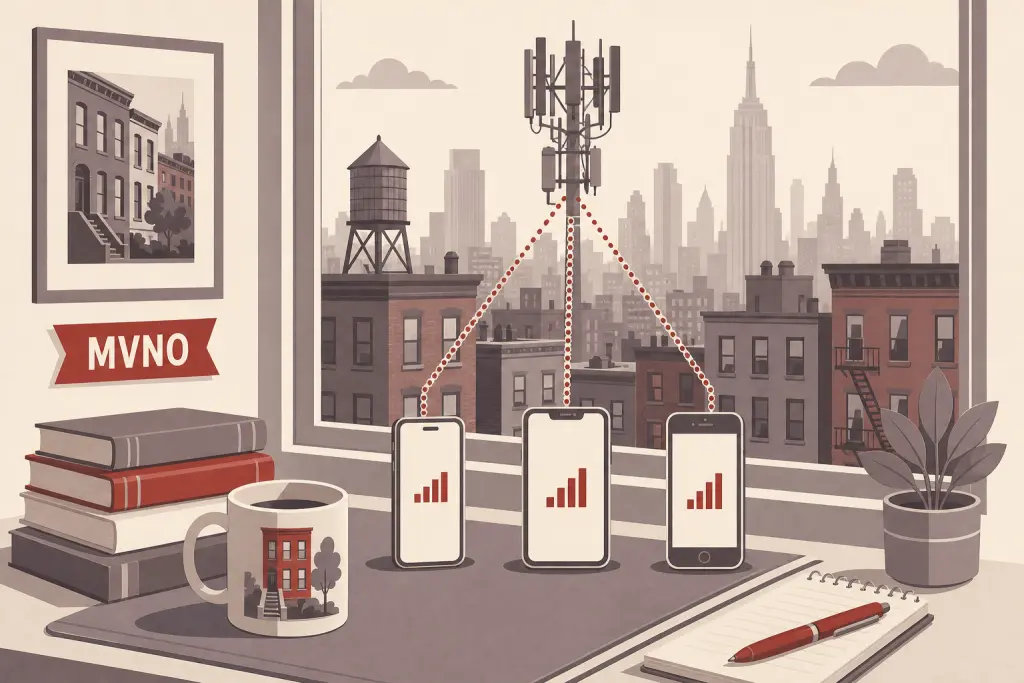
An MVNO (mobile virtual network operator) is a phone company that sells cell service on another company’s network instead of running its own towers. For your phone number, almost nothing changes: you can bring a number to an MVNO and take it with you when you leave, using the account number and transfer PIN from the company you pay.
Mint Mobile, Visible and Google Fi are all well-known examples. Here’s what MVNO means, which networks the best-known brands run on, and what to know about moving a number in or out. Everything below was checked against the FCC and each company’s own pages in October 2026.
What does MVNO mean?
The FCC describes mobile virtual network operators as companies that don’t necessarily own any network facilities. Instead, they buy mobile service wholesale from carriers that do own networks, then resell it to their own customers.
Take the name one piece at a time:
- Mobile: It sells cell phone service: calls, texts and data.
- Virtual: It doesn’t run its own towers. It uses capacity on a big carrier’s network, such as Verizon, AT&T or T-Mobile.
- Network operator: It’s still your phone company, with its own plans, prices, app, billing and customer service.
The big carrier is often called the “host” network. Your calls travel over the host’s towers, but your account, your bill and your number’s paperwork are with the MVNO.
Ready to Get a 212 Number?
One-time fee. No monthly charges. Port to any carrier in 3–5 business days. NYC's most trusted source since 2009.
Browse 212 Numbers →Well-known MVNOs and the networks they use
Each brand below names its network on its own website:
| Brand | Network it uses | What its site says |
|---|---|---|
| Visible | Verizon | Runs on Verizon’s nationwide 5G network |
| Total Wireless | Verizon | Plans are covered by the Verizon 5G network; calls itself a Verizon company |
| Cricket Wireless | AT&T | On the AT&T network; a subsidiary of AT&T |
| Mint Mobile | T-Mobile | On the T-Mobile network |
| Metro by T-Mobile | T-Mobile | Runs on T-Mobile |
| Google Fi Wireless | T-Mobile | Nationwide coverage through the T-Mobile network |
A few of these, like Cricket and Total Wireless, are owned by the network they run on. Strictly speaking, they’re a big carrier’s own brands rather than independent MVNOs, but people often group them together. For your phone number, they work the same way: the brand you pay is the company you deal with.
Companies change partners, plans and coverage over time, so check a brand’s own coverage page before you switch.
What’s different about using an MVNO
- Coverage follows the host network. An MVNO’s signal comes from its host’s towers, so start with the host’s coverage where you live and work.
- Data can slow down first when the network is busy. Metro by T-Mobile, for example, says that when the network is busy, Metro speeds may be reduced compared with T-Mobile speeds because of prioritization. Read your plan’s fine print for similar terms.
- Your phone must work on the host network. If you’re bringing your own phone, check that it’s compatible. To move your number to Google Fi, Google says your phone must be unlocked.
- Your account is with the MVNO. Your bill, your plan and any number transfer are handled by the brand you pay, not the host carrier.
Your phone number: keeping it or moving it
Your number belongs to your account, not to a network. The FCC’s guide to porting says that if you switch providers and stay in the same area, you can keep your existing number, and that porting works between landline, internet (IP) and wireless providers. MVNOs take numbers in and send them out the same way the big carriers do.
Moving your number to an MVNO
- Check that the MVNO can take your number. Requirements vary. Google Fi, for example, needs a U.S. number whose area code is covered by its primary network partner, with no other transfer pending.
- Get your details from your current company. Mint Mobile asks for three things: your current account number, the Number Transfer PIN for your account and the billing ZIP code.
- Keep your old service active. Mint, Google Fi and the FCC all say not to cancel your old service before the transfer is done. The old company releases only an active number.
- Start with the new company. The FCC says the new company starts the process. With Mint, you buy a plan, start activation and choose the option to transfer your number.
- Wait for the move. Mint says most transfers finish in a few hours, up to 48 hours if information was entered wrong, and up to five business days for landlines. Google Fi says mobile numbers usually move in about 3 hours and landlines in up to 2 business days.
Mint doesn’t charge a transfer fee, but the FCC notes that companies may charge to port a number, so ask your old company.
Moving your number out of an MVNO
Get the account number and transfer PIN from the MVNO itself. The host carrier’s tools are for its own accounts. Verizon’s Number Transfer PIN, for example, is created in My Verizon by the Account Owner or an Account Manager.
Here’s how it works at Google Fi, one MVNO that spells out its steps:
- Open the Google Fi app or website, go to the Account tab and choose Manage plan.
- Choose Leave Google Fi and follow the steps.
- Choose Transfer your number to another carrier and confirm.
- Under the “Cancellation pending” banner, choose Get Transfer Info to see your account number and transfer PIN.
Google says an unused PIN expires after 14 days, the account number and PIN are case-sensitive, and your Fi service keeps working until the new carrier activates your number. Don’t pause your Fi service during the transfer, or it can fail. The details are on Google’s page about transferring your Google Fi number to a new carrier.
Turn off any number lock first. Some carriers offer a lock that blocks transfers. T-Mobile, for example, offers Port Out Protection to its Metro by T-Mobile customers as well as its own, and it has to be off before the transfer PIN works.
Every company hides these details in a different place. Our guide to finding your transfer PIN and account number covers Verizon, AT&T, T-Mobile and several MVNOs, including Cricket, Google Fi and Visible.
Switching between two MVNOs on the same network
Moving from one T-Mobile-based MVNO to another, for example, is still a transfer between two separate companies. Your account, account number and PIN are with the company you’re leaving, so follow the same steps: get its details, keep the line active and start with the new company.
If the transfer stalls
Most problems come down to a detail that doesn’t match, an expired PIN or a lock that’s still on. Our post on number transfers that are stuck or rejected walks through each fix.
MVNOs and numbers from 212areacode.com
If you buy a number from 212areacode.com, an MVNO counts as a mobile carrier. Ask the MVNO first whether it can take your number, then start the transfer there. Here’s what to expect:
- Your details: We email you when the number is ready to transfer. The account number and transfer PIN your new carrier asks for appear in My Numbers in your 212areacode.com account, usually the same business day. We never send them by email, and the PIN doesn’t expire.
- Timing: 3–5 business days to a mobile carrier (T-Mobile, Verizon, AT&T, Cricket and similar), and 7–14 business days to a VoIP service or a landline.
- Google Voice and Cricket: Our numbers first go through a temporary mobile carrier, a T-Mobile MVNO. Google Voice takes 7–14 business days in total, and Cricket 3–5. Our Cricket guide has more.
- The date: Your new carrier sets the transfer date. We approve the transfer, but we don’t control the date. The LOA (letter of authorization), if one is needed, is the new carrier’s form.
For the full process, see how it works, or email support@212areacode.com with questions.
Frequently Asked Questions
What does MVNO stand for?
Mobile virtual network operator. It’s a phone company that sells service on another carrier’s network instead of building its own.
Can I keep my phone number if I switch to an MVNO?
Usually, yes. The FCC says you can keep your number when you switch providers in the same area. Check with the MVNO first, since each one has its own requirements.
Where do I get a transfer PIN for an MVNO line?
From the MVNO, since that’s the company that holds your account. Depending on the brand, that means its app, its website or its customer service.
Is Cricket an MVNO?
Cricket runs on the AT&T network and is a subsidiary of AT&T, so strictly speaking it’s AT&T’s own brand. It’s often listed with MVNOs because it works like one for customers: its own plans, app and account.
Is MVNO service slower than the big carriers?
It uses the host carrier’s towers, so coverage generally follows the host’s map. Speed can differ when the network is busy: Metro by T-Mobile, for example, says its speeds may be reduced compared with T-Mobile’s because of prioritization. Check your plan’s terms.
Do I need a transfer PIN to move between two MVNOs on the same network?
Yes, plan on it. They’re separate companies, so your new one will ask for the old account number and PIN, just as Mint Mobile does for any incoming number.
Can I move a 212 number to an MVNO?
Ask the MVNO first. Some only take numbers in area codes their host network covers, as Google Fi’s rules show. With a number from 212areacode.com, a transfer to a mobile carrier takes 3–5 business days.
Looking for a number to bring to your carrier?
212areacode.com has sold real U.S. phone numbers since 2009, mostly Manhattan 212 numbers, plus numbers in many other area codes. You choose a number, then transfer it to your own carrier, whether that’s a big carrier or an MVNO. You can browse available numbers whenever you’re ready.
