

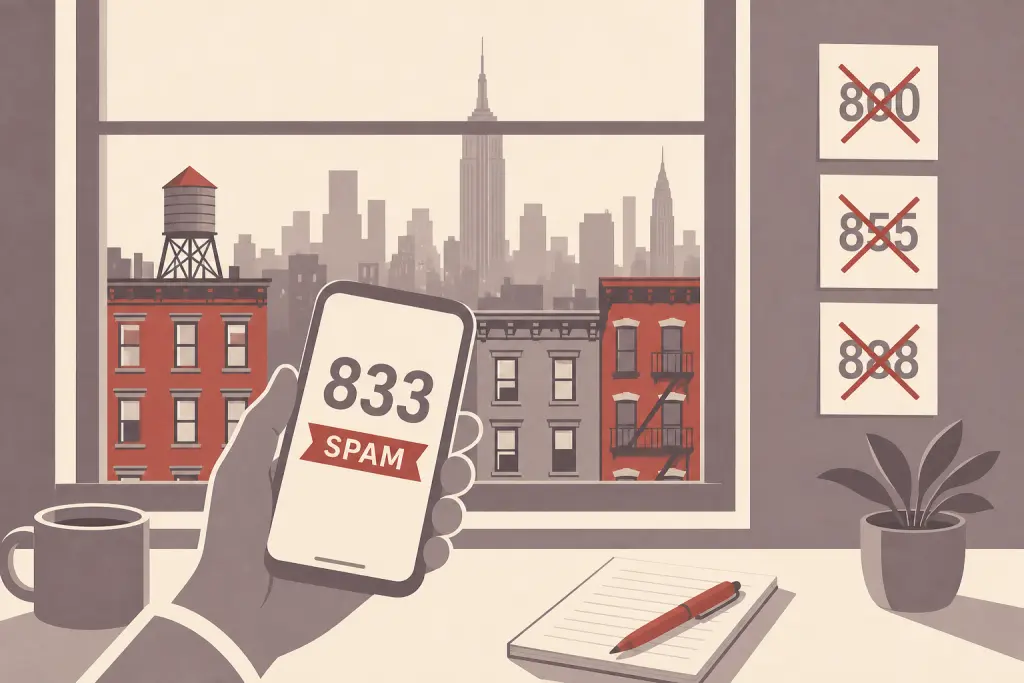
No iPhone, and neither Google’s nor Samsung’s Phone app, has a built-in switch that blocks every 833, 855 or other toll-free number at once. But a few settings, most of them free, stop most toll-free spam calls: silence or screen unknown callers, turn on your phone’s spam filter, and switch on your carrier’s free spam blocking.
On this page
If you searched for a way to block the 833 area code (or 855, 844 and the rest), here are the honest answer and the exact steps for iPhone and Android, checked against Apple’s, Google’s, Samsung’s and the carriers’ own help pages in October 2026.
What are 800, 833, 844, 855, 866, 877 and 888 numbers?
They’re toll-free codes, not area codes for a place. The FCC lists seven of them: 800, 888, 877, 866, 855, 844 and 833. Calling one is free for the caller. The business that owns the number pays.
Because these codes aren’t tied to a city or state, an 833 or 855 number tells you nothing about where the caller is. (For regular area codes worth being careful with, see our guide to area codes to avoid.)
Ready to Get a 212 Number?
One-time fee. No monthly charges. Port to any carrier in 3–5 business days. NYC's most trusted source since 2009.
Browse 212 Numbers →Why spammers like toll-free numbers:
- They look like a real company’s customer service line, so people pick up or call back.
- Calling back is free, so people are less cautious.
- Caller ID can be faked. The FTC’s advice: don’t trust your caller ID.
But real companies use them too. Banks, airlines, pharmacies and delivery services all call from toll-free numbers. Block every 833 call and you may also block your pharmacy’s reminder or your bank’s fraud alert. A better plan is to filter spam and save the toll-free numbers you need to your contacts.
Can you block the 833 area code on an iPhone?
Not with a built-in setting. Apple’s instructions for blocking calls only cover specific numbers and contacts. There’s no option to block a whole prefix like 833 or 855. Here’s what does work on a current iPhone.
1. Silence or screen unknown callers
- Open Settings, tap Apps, then tap Phone.
- Scroll to Screen Unknown Callers.
- Choose Silence to send calls from numbers that aren’t in your contacts straight to voicemail. Or choose Ask Reason for Calling, and your iPhone asks the caller why they’re calling before it rings.
Save the toll-free numbers you need (pharmacy, bank, doctor’s billing office) to Contacts first so they still ring. Calls aren’t screened while you’re roaming. Apple’s page on managing unknown callers has the details.
2. Turn on the spam filter
In Settings > Apps > Phone, scroll down to Call Filtering and turn on the spam filter. Calls marked as spam are silenced. To review them, open the Phone app, tap the Filter button, then Spam.
3. Add a call-blocking app or your carrier’s app
Apple lets call-blocking apps give your iPhone a list of numbers to block or label. Apple’s developer documentation says these apps can block numbers “that match a set of criteria,” so some may offer blocking by prefix. Not all do, so read the app’s description before you pay. After installing one, switch it on in Settings > Apps > Phone > Call Blocking & Identification.
4. Block individual numbers
- Open the Phone app and go to your recent calls (the Recents tab, or Calls in the newer layout).
- Tap the number. In Classic view, tap the Info button next to it.
- Scroll down and tap Block Caller.
This works for the one 855 number that keeps calling, but not for a spammer who keeps switching numbers. Our guide on how to block phone numbers on iPhone covers more ways to do it.
How to block toll-free spam calls on Android
Menus vary by phone maker. Here are the two most common Phone apps: Google’s (on Pixel and many other Android phones) and Samsung’s.
Google Phone app: filter spam and use Call Screen
- Open the Phone app, tap More options (three dots), then Settings.
- Tap Caller ID and spam and make sure See caller ID & spam is on.
- Turn on Filter spam calls. Filtered calls won’t ring or notify you, but they still show in your call history.
Pixel phones with automatic Call Screen don’t show a separate Filter spam calls switch. Instead, go to Settings > Spam and Call Screen (or Call Screen), tap Call Screen and pick a protection level. On a Pixel 7 or newer, your phone can automatically screen spam, possibly faked numbers and first-time callers: it asks who’s calling and why and shows you a live transcript.
To block one number, find the call in your recent calls, tap it, then tap Block / report spam. Note that the Unknown switch under Settings > Blocked numbers only blocks private or hidden numbers. It won’t stop an 833 call that shows its number. Google’s caller ID and spam help page has more.
Samsung Galaxy: Caller ID and spam protection
- Open the Phone app, tap More options (three dots), then Settings.
- Tap Caller ID and spam protection, turn on the switch at the top and agree to the terms.
- Turn on Block spam and scam calls, then choose Block all spam and scam calls or Only block high-risk scam calls.
Samsung notes this may not be available with every carrier. To block a single number, go to Settings > Block numbers, type in the number and tap the plus sign.
Can Android block a whole prefix like 833?
Google’s and Samsung’s current help pages don’t describe a built-in way to block by area code or prefix. If your phone’s block settings do show a “starts with” option, you can enter 833 there. Otherwise, try your carrier’s tools (see Verizon below) or a third-party app. For more, see our guide on how to block area codes on Android phones.
Free carrier tools that catch toll-free spam
Your carrier sees spam calls before your phone does, and all three major carriers include free spam protection.
T-Mobile Scam Shield
T-Mobile automatically labels suspected scam calls “Scam Likely.” Scam Block goes further and blocks those calls before they reach you. Turn it on by dialing #662# from your T-Mobile phone, or in the T-Life app. T-Mobile warns it might block a call you want, and you can turn it off any time.
Verizon Call Filter
The free version comes with standard monthly and prepaid plans on a compatible phone. It detects spam, sends high-risk spam calls to voicemail and lets you report numbers. Its settings now live in the Verizon Protect app. On an iPhone, go to Settings > Apps > Phone > Call Blocking & Identification and turn on Verizon Protect. The paid Call Filter Plus adds a personal block list and, on Android only, blocking of entire area codes. Verizon warns this blocks every call from that code, not just spam.
AT&T ActiveArmor
Fraud and spam call blocking is free with every AT&T wireless plan through the ActiveArmor app. Fraud calls are set to Block automatically. For spam, open the Calls tab and use Call Routing to allow, block or send spam calls to voicemail (voicemail needs an active mailbox). You can also block specific numbers in the app.
How to report toll-free spam calls
Reporting helps even if it doesn’t stop the next call. The FTC publishes reported numbers every business day so carriers can use them for call blocking and labeling.
- DoNotCall.gov: report an unwanted call to the FTC if you didn’t lose money.
- ReportFraud.ftc.gov: report here if you lost money or know something about the scammer.
- consumercomplaints.fcc.gov: the FCC’s complaint center has a section for robocalls and unwanted calls, including spoofed numbers.
- Your phone or carrier app: Block / report spam in Google’s Phone app, Report Caller in T-Mobile’s T-Life app, or the report option in Verizon Protect or AT&T ActiveArmor.
Is it safe to call an 833 or 855 number back?
The call won’t cost you extra, but the real risk is who answers.
- Don’t call back a robocall or a voicemail you weren’t expecting. The FTC says to hang up on illegal robocalls, not call back, and not press a number when a recording tells you to.
- Find the number yourself. If the caller claims to be your bank, a delivery company or a government agency, call the number on your card, your statement or the official website instead.
- Never give a one-time code, password or payment details to someone who called you.
If you’re expecting a call, an 833 number can be perfectly legitimate. Just check it’s real before you share anything.
Frequently Asked Questions
Is 833 a real area code? Where is it located?
833 isn’t tied to any location. It’s one of seven toll-free codes, and a business anywhere can use one. For codes that are tied to places, see how many area codes are in the US.
Can I block all 833 calls on my iPhone?
Not with a built-in setting. The closest options are setting Screen Unknown Callers to Silence, turning on the spam filter, or using a call-blocking app that offers prefix blocking.
Will blocking toll-free numbers stop calls I actually want?
It can. Save the toll-free numbers you need to your contacts before you silence unknown callers or block a prefix.
Can scammers fake an 833 or 800 number?
Yes. Caller ID can be spoofed, which is why the FTC says not to trust it. If a call shows a familiar company’s number and something feels off, hang up and call the number on the company’s official website.
Does it cost money to call an 833 or 855 number?
No. The FCC says toll-free numbers can be called at no charge to the caller. On a cell phone, the call may use your plan’s minutes if you don’t have unlimited calling.
Will the caller know I blocked them?
Not on an iPhone. Apple says blocked callers aren’t notified. They can still leave a voicemail, but you won’t get an alert. In Google’s Phone app, blocked callers can’t leave a voicemail if visual voicemail is on.
Are there other toll-free codes besides these seven?
Not yet. Somos, which runs the toll-free number database, lists 822 as set aside for future expansion.
Looking for a local number instead?
212areacode.com doesn’t sell toll-free numbers. We sell regular local phone numbers, including Manhattan 212 numbers and numbers in many other area codes, that you transfer to your own carrier. If that’s what you need, you can browse available numbers.
