

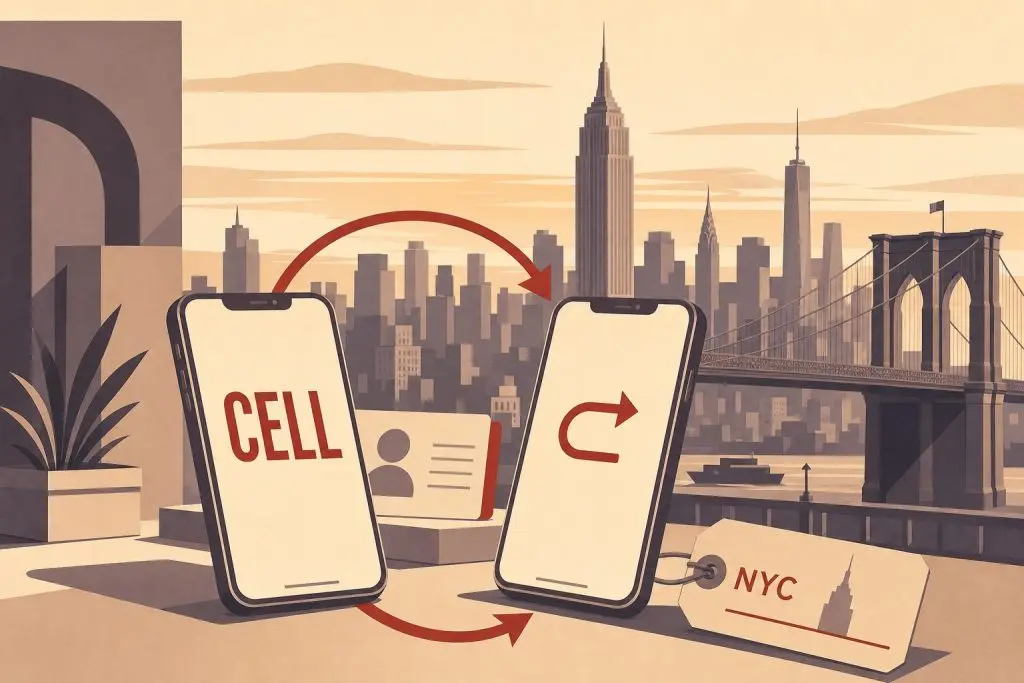
Once you’ve bought a 212 area code phone number, you have two ways to actually use it: port it to your cell carrier so it becomes your real phone number, or set up call-forwarding so it rings through to a number you already have. Both work. They serve different needs, and the right choice depends on what you want the 212 number to do for you.
The Short Version
Porting a 212 number to your cell phone makes it your number. Outgoing calls and texts come from 212, voicemail lives on your phone, and the line behaves exactly like any other wireless line. This is what most people want when they buy a 212 number for personal use or for a business they run from their phone.
Call-forwarding leaves the 212 number on our system and forwards incoming calls to whatever phone you already use. Your outgoing calls still come from your existing number. This is useful when you want the 212 to act as a marketing or contact line — a number on a business card, a website, or an ad — without disturbing the cell line you’ve used for years.
Neither option is better than the other. They solve different problems.
How Porting to a Cell Phone Works
When you port a 212 number to your wireless carrier, the routing record in the national phone database is updated to point the number at your carrier instead of ours. Your phone becomes the device that rings when someone dials those ten digits, and your outgoing calls show the 212 number as caller ID.
Ready to Get a 212 Number?
One-time fee. No monthly charges. Port to any carrier in 3–5 business days. NYC's most trusted source since 2009.
Browse 212 Numbers →The process is straightforward. After you buy a number from our shop, we send you the account details your carrier needs to pull the number in. You contact your new carrier — not us — and give them those details along with the request to port the 212 number to your line. They handle the rest.
Wireless-to-wireless ports typically finish within a few hours. The FCC requires simple ports to complete within one business day, but in practice T-Mobile, Verizon, and AT&T process clean port requests in two to three hours. You keep using your existing service throughout the port; the moment it flips, your 212 number is live on your phone and the old setup deactivates.
Modern phones — iPhone 14 and newer in the US, most current Android flagships — use eSIM, which means there’s nothing to physically swap. Your carrier provisions an eSIM profile for the ported number during activation. For more on this, see our guide to using an eSIM with a 212 area code phone number.
Once the port is complete, the 212 number is fully yours. You can switch carriers again later, use it on a new device, or port it to a different service entirely. The number travels with you.
How Call-Forwarding Works
With call-forwarding, the 212 number stays on our infrastructure. When someone calls it, our system answers and immediately routes the call to whatever destination number you provide — your existing cell phone, an office line, a home phone, or a VoIP extension. The caller hears a normal ring, you pick up on your usual device, and you talk.
What you give up: outgoing calls still originate from your existing number, so the people you call back don’t see the 212 on their caller ID. Text messages to the 212 number are not delivered to your existing line by default. The 212 acts as an inbound contact channel only.
What you gain: zero changes to your existing phone setup. No port paperwork, no carrier coordination, no risk of touching the cell line you’ve used for years. You can publish the 212 number on a website or business card the same day, and you can change the destination number any time without touching your real wireless account.
This makes call-forwarding a good fit for businesses that already have a working phone system and just want a Manhattan-coded inbound line to add to it. It’s also a good fit for anyone testing a 212 number before committing to a full port.
Which One Should You Choose?
Choose porting to your cell phone if:
You want the 212 number to be your primary or sole number. You want outgoing calls and texts to come from 212. You’re starting a business or personal brand where the 212 will be the published contact. You want full control over the number and the ability to switch carriers freely later.
Choose call-forwarding if:
You already have a phone number you don’t want to change. You want the 212 as an inbound marketing or business-development channel layered on top of your existing setup. You need flexibility to point the 212 at different destinations over time without paperwork. You want to start using the number the day you buy it.
If you’re unsure, porting is the more common path for the people who buy numbers from us. Call-forwarding suits a specific use case — a contact line for a business — and most personal buyers don’t need it.
What About Texting?
A ported 212 number behaves exactly like any other wireless number for SMS, MMS, and iMessage. Texts come and go normally, and the 212 number appears as the sender. Group texts and iMessage threads work the same way they do with your current number.
Call-forwarded 212 numbers route voice calls only by default. If you need both calls and texts on the 212 without changing your existing line, the right setup is usually a VoIP service like Vonage or RingCentral, which can host a ported 212 number alongside your wireless line and handle text messages through their app.
What Each Option Costs
Numbers in our shop start From $150, with pricing depending on the digit pattern — repeating digits, short sequences, and easy-to-remember patterns sit at the higher end. That’s a one-time number cost.
If you port the number to your cell phone, the recurring cost is whatever your wireless plan already costs. There’s no additional monthly charge from us once the port is complete — we no longer host the number; your carrier does.
If you set up call-forwarding, the number stays on our system and there’s a monthly forwarding subscription. The exact rate depends on the plan you choose at checkout.
Frequently Asked Questions
Can I switch from call-forwarding to porting later?
Yes. If you start with call-forwarding and decide you want the 212 as your real cell number, you can port it from our system to your wireless carrier at any time. The number is yours either way — only the routing changes.
Will porting to my cell phone change my existing wireless plan?
No. Porting a number in adds the 212 as the line’s primary number, but your plan, data allowance, and billing stay the same. Your carrier will swap the number on your existing line or activate a new line for the 212, depending on what you ask for.
Can I have a 212 number forward to a non-NYC phone?
Yes. Call-forwarding works to any US phone number, anywhere. People who live outside New York but want a Manhattan presence for business often forward a 212 to their existing local cell or office line.
How long does the port take?
Wireless-to-wireless ports usually complete within a few hours. The FCC requires simple ports to finish within one business day. Same-day completions are common when the paperwork is clean.
Do I lose service during the port?
No. The number stays active on the source side until the port flips, and then it’s active on your wireless carrier. The transition window is typically under a minute, and incoming calls during that window ring through once the new line is live.
Can I get a 212 number on any carrier?
Yes. Every major US wireless carrier — Verizon, AT&T, T-Mobile — and every reputable MVNO accepts incoming ports of 212 numbers. Manhattan rate-center coverage is universal among US wireless carriers.
What if I change my mind after porting?
You can port the number again, either to a different carrier or back to call-forwarding on our system. There’s no FCC-required waiting period, though some carriers impose short internal holds to prevent fraud.
Is texting included with a ported 212 number?
Yes — once ported to your wireless carrier, the 212 number sends and receives SMS, MMS, and iMessage exactly like any other wireless number. Call-forwarding handles voice only; for text capability without porting, look at a VoIP host.
Ready to Choose?
Numbers in the shop are ready to go either way — port them to your wireless carrier or set them up with call-forwarding at checkout. Browse current inventory to see what’s available, or call us at (212) 580-2000 if you’d like help picking the right setup for what you’re trying to do.
